
Advertisement
Click to download now, finish the installation quickly, and directly unlock the all-round experience
Advertisement
Screenshots
Click to download now, finish the installation quickly, and directly unlock the all-round experience
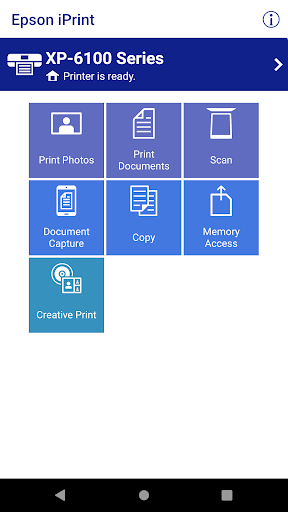
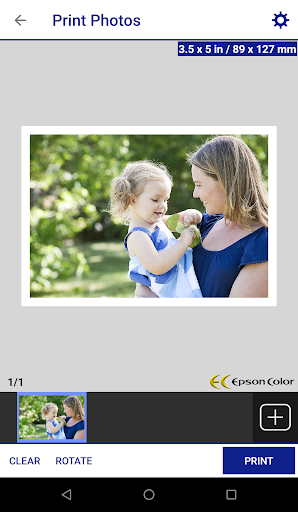
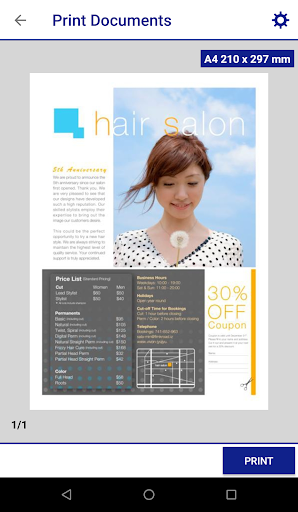
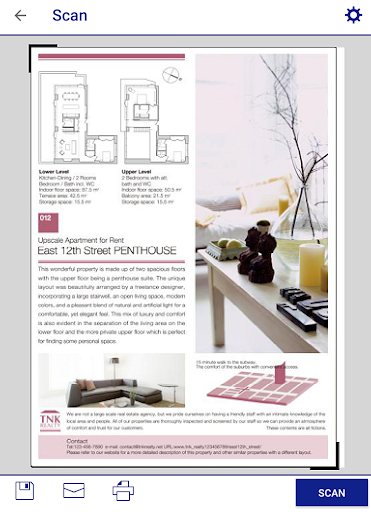
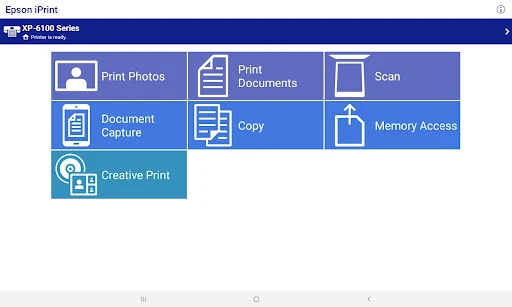
Epson iPrint lets you print and scan from an Android phone or tablet using a compatible Epson printer. It suits households or small offices that want to handle everyday documents and photos without first moving them to a computer. You can print files stored on your device and email attachments, as well as scan from an Epson all-in-one to save or share the result.
It is specifically for Epson hardware, so check that your printer is supported before relying on it. For Office documents, the app uses Google Drive to render files into printable PDFs.
Those tools make the app more than a one-off print button, but its usefulness depends on having the right Epson model and connection. Remote printing also requires an email-enabled printer.
For Wi-Fi Direct connections, iPrint requires permission to use location services so it can search for wireless networks. Epson says location data is not collected for this purpose. That is a specific connection requirement worth knowing before setup; it does not describe every kind of data the app may handle.
Seiko Epson Corporation is the developer. The listing shows a 4.61 rating from about 864,000 reviews and more than 50 million installs. Those figures indicate wide use and substantial user feedback, though they cannot tell you whether a particular printer will work well with your phone. For an Epson owner who regularly scans or prints from Android, iPrint brings the main tasks and printer checks together; for other printer brands, it is not the right fit.