Sound for the quiet parts of the day
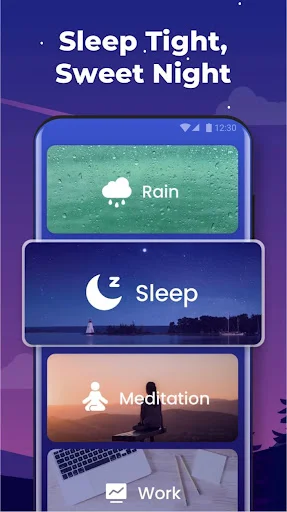
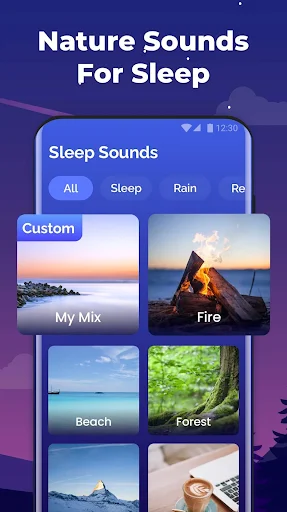
Sleep Sounds - Relax Music plays calming audio such as nature sounds, water, white noise and melodies. You can use it as a steady backdrop at bedtime, during a nap, while meditating, or when you want to mask distracting noise. It is aimed at people who prefer sound to silence, and at anyone who wants a simple audio routine rather than a sleep diary or coaching program.
Make a mix, then let it run
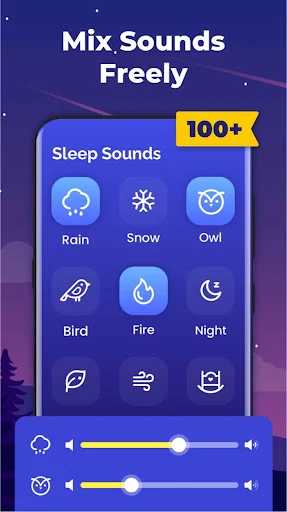
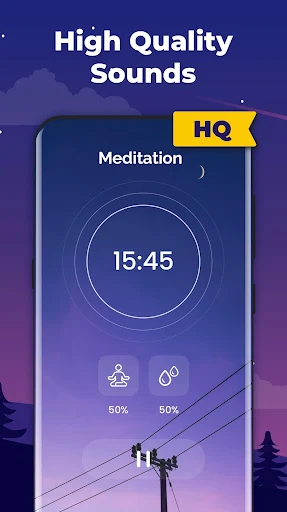
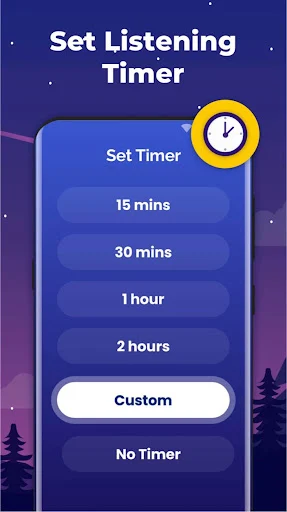
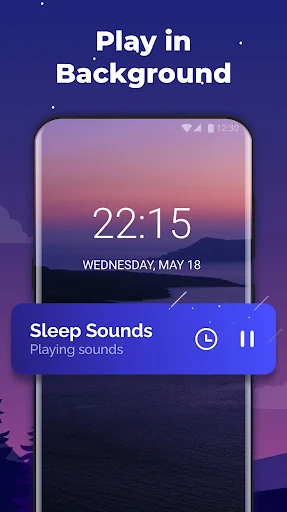
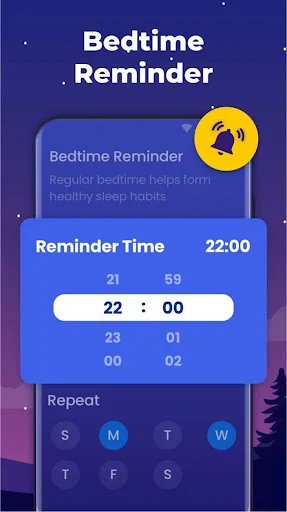
The app offers more than 30 sounds and lets you combine them into personal soundscapes, adjusting the volume of each layer. That could mean pairing rain with a low ambient sound, or keeping a single noise going through the night. Background playback lets you leave the app while the audio continues. A sleep timer can stop playback automatically, and a bedtime reminder can prompt you to start winding down.
What it can—and can’t—promise
These are listening tools, not a diagnosis or treatment for insomnia, anxiety or tinnitus. A consistent sound may help make a room feel less exposed to sudden noises, but whether it helps you settle is personal. The timer is useful if you do not want audio running indefinitely; if you prefer quiet once asleep, you can set it to end before morning. The app says it can work without a network connection, which suits routines in places with limited connectivity.
A well-used utility, with details to check
Leap Fitness Group is the listed developer. The app has a 4.7-star rating from about 114,000 ratings and more than 5 million installs, suggesting it has found a broad audience, though those figures do not tell you whether its sound selection will suit your ears. The supplied information does not explain what permissions or personal data the app requests, so check those details on your device before settling into a nightly routine.